Joybuy product choices
These choices include 34-inch screens for a browser-and-tools layout and a 49-inch screen for a wider side-by-side workspace. Compare each model’s stated connections with the laptops and peripherals used at the shared desk.
 No image available
Acer X Predator X49X 49-inch curved QD-OLED monitor
Consider the 49-inch format if you want a checkout page and supporting windows visible across a wide screen.
The listed variant has a 32:9 Double Quad HD panel, 1800R curve, HDMI, DisplayPort and USB-C. Check the intended laptops’ video and charging compatibility, and measure the shared desk before choosing this size.
View on Joybuy
 No image available
Philips Evnia 6000 34M2C6500 34-inch monitor
The 34-inch format suits a desk where a checkout page and adjacent tools need room without moving to a 49-inch screen.
The listed variant is 3440 × 1440, with two HDMI inputs, DisplayPort and height, swivel and tilt adjustment. If laptop docking or peripheral switching is essential, check the exact connection arrangement before ordering.
View on Joybuy
 No image available
Lenovo R34w-30 34-inch UWQHD monitor
Consider this 34-inch ultrawide when the shared desk needs a wide browser-and-tools workspace.
The product name identifies a UWQHD monitor. Check its exact resolution, inputs and switching arrangement against the computers that will use the desk.
View on Joybuy
 No image available
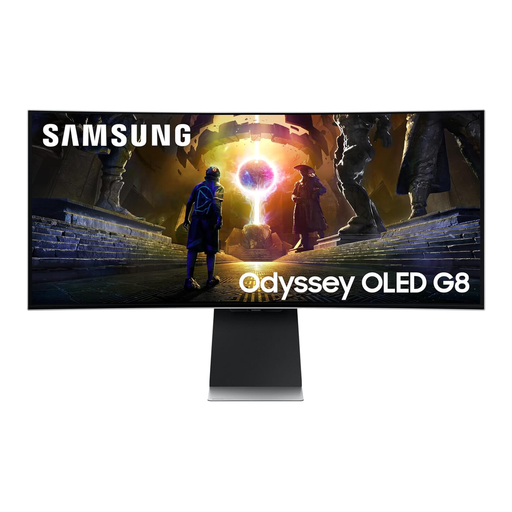
Samsung Odyssey G8 LS34DG850SUXXU 34-inch curved OLED monitor
The 34-inch ultrawide format gives a checkout tester space to arrange a browser beside supporting tools.
The product name specifies a curved OLED WQHD panel and 175 Hz refresh rate. Check the connections and adjustment needed for the shared workstation rather than treating the refresh rate as a measure of checkout-testing suitability.
View on Joybuy
 No image available
Dahua 34-inch curved UWQHD monitor
This 34-inch screen offers a wide layout for a checkout page and nearby work windows.
The stated variant is 3440 × 1440 with a VA panel, two HDMI inputs and two DisplayPort 1.4 inputs. Check how the intended laptops and peripherals will connect and switch at the shared desk.
View on Joybuy
Common questions
Does a 5120-pixel-wide monitor test a 5120-pixel customer viewport?
No: set the browser viewport independently of the monitor’s native resolution. Chrome for Developers says Device Mode can resize or accept specified viewport dimensions, but it is an approximation; use actual target devices when touch input, hardware behaviour or mobile performance matters.
Can two laptops share one ultrawide and its peripherals?
They can if the selected monitor’s inputs and switching functions match both laptops and the intended peripherals. Lenovo and LG list picture-by-picture or KVM functions for particular models; check the exact cable arrangement, video output and USB-C charging support before relying on a shared setup.
Does UK display screen equipment guidance cover hot-desking?
Yes, where workers use display screen equipment daily for continuous periods of an hour or more, employers must assess the workstation under the applicable guidance. The UK Health and Safety Executive explicitly includes hot-desking and advises workers who change desks regularly to carry out a basic risk assessment, including screen position and reflections.
Can I hand back an old monitor when buying a replacement in the UK?
Check the retailer’s applicable electrical-waste take-back arrangement. GOV.UK says retailers offering in-store take-back must accept waste of the same type as the item bought, including for online purchases; that in-store service is free, while home collection may carry a transport charge.


