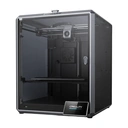
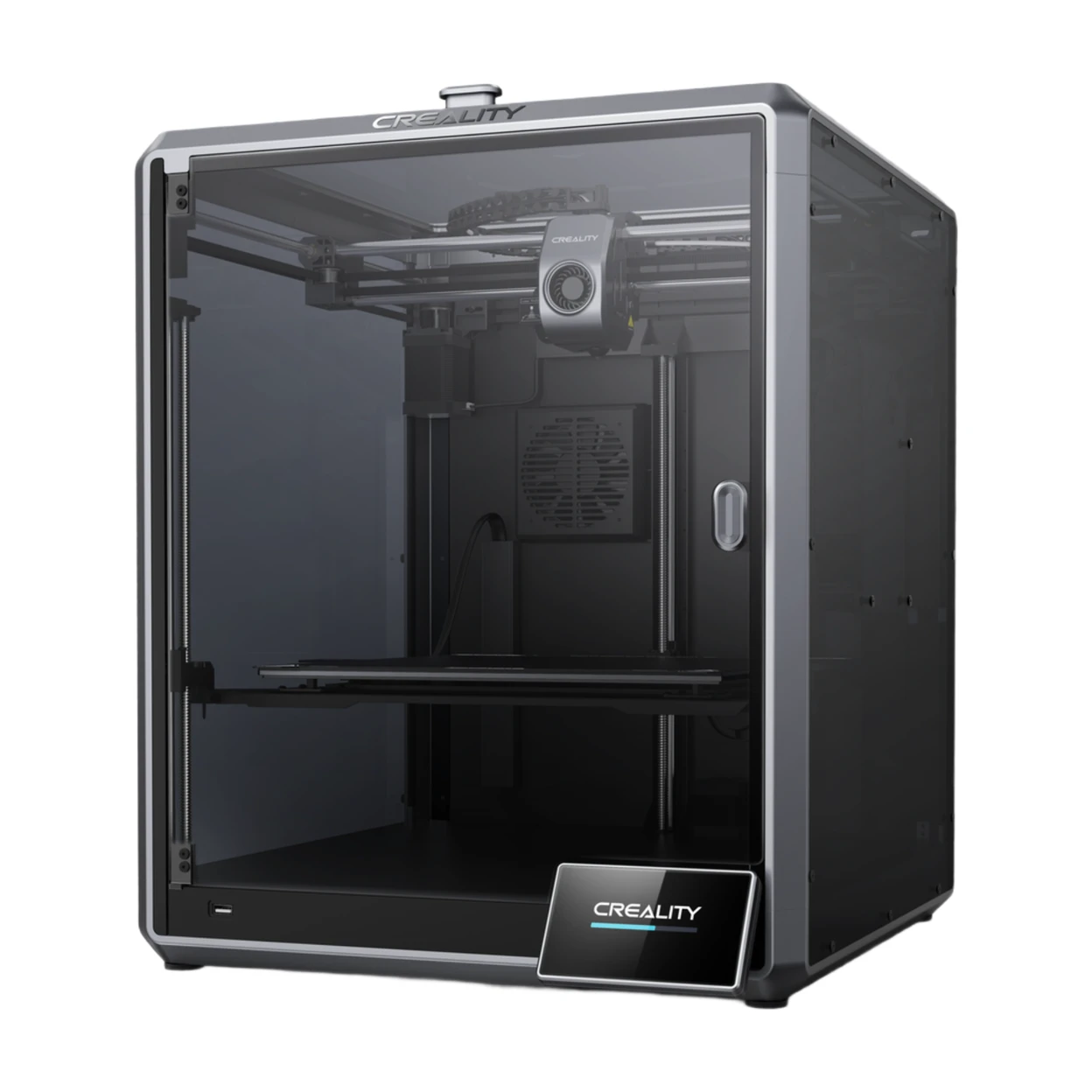
Creality K1 MAX 3D Printer Upgrade with 600mm/s Printing Speed 300°C High-Temperature Nozzle Direct Extruder Hands-Free Auto Leveling Dual Z Axes Stable Cube Frame 11.81x11.81x11.81inch






Delivery option

order before 11:00

Guarantee
30 Days Free Returns
24/7 Customer Support
Product Description


Important Information
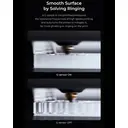
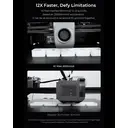
- SPEEDY TO REALIZE CREATIVE IDEAS: The Creality K1 Max fastest 3d printer desktop upgraded motion system for 20000mm/s² acceleration and up to 600mm/s (12 times) printing speed*. Each X/Y/Z axis is driven by a high-precision stepper motor. A steel transmission shaft to connect and sync the two Y-axis belts. High-torque Y-axis 42-48 motor for responsive and precise motion
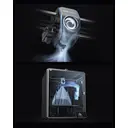
- SMART AI LIDAR & Camera: Creality K1 Max 3D printer features 1μm LiDAR for first-layer scan, AI camera for error detection and real-time alerts, time-lapse, and strain sensor for accurate auto leveling and top print quality.
- STAND FIRMLY TO PRINT QUALITY MODELS: An all-metal cube frame goes with the classic Cartesian structure of the The Creality K1 Max 3d printers for homeuse. The stability is enhanced by thick linear shafts, extra gussets, two cantilevers, and silicone bed mounts
- HIGHER SUCCESS RATE: The High-speed printing 3d printers Creality K1 Max can reach 100% success rate for 1,000-hour printing at 250mm/s high speed and 0.2mm layer height
- DIRECT EXTRUSION ADAPTED TO FLEXIBLE FILAMENTS: The The Creality K1 max fastest 3d printers desktop, the fastest 3D desktop printer all-metal Sprite direct extruder features dual gears of a 1:3.5 gear ratio. It delivers a powerful and uniform 80N extrusion force. Way better when printing with flexible filaments like TPU
Country of Origin: Manufactured in China
Safety Warnings
· Keep away from children and flammable materials. Place on a stable, heat‑resistant surface.
· Do not touch the nozzle (max. 260°C) or heated bed (max. 120°C) during operation to prevent burns.
· Use in a well‑ventilated area. Always use the original power cord to avoid electrical hazards.
· Use only compatible FDM filaments (PLA/ABS/PETG, etc.). Store filaments in dry, sealed containers.
Instructions for Use
Basic Components
Main Body, Control Panel, Extruder (Nozzle), Heated Print Bed, Filament Spool Holder, X/Y/Z Axes
Quick Operation Steps
· Unpack and place the printer on a stable surface. Connect the original power adapter.
· Level the print bed (auto or manual) to set the proper nozzle height.
· Load filament: Heat the nozzle to the recommended temperature, insert filament into the extruder until extrusion occurs.
· Import model files via USB/SD card/Wi‑Fi, then start printing.
· After printing, allow the nozzle and bed to cool before removing the model.
Daily Maintenance
· Clean the nozzle and print bed regularly to prevent residue buildup.
· Unload filament if the printer will not be used for a long period; keep filaments dry.
· Unplug the power cord when not in use. Avoid humid environments.
Common Troubleshooting
· Poor model adhesion: Re‑level the bed or increase bed temperature.
· No filament extrusion: Check filament feeding or clean the nozzle.
· Abnormal noise: Turn off the power and check for loose components.
UK REP
· Name: APEX CE SPECIALISTS LIMITED
· Address: 6f East Union Street, Manchester, England, M16 9AE
· Contact: Wells Yan
· Tel: +44 161 637 1080
· E‑mail: info@apex-ce.com
Manufacturer:Shenzhen Creality 3D Technology Co., Ltd.
Manufacturer Address:18th Floor, Jinxiu Hongdu Building, Meilong Avenue, Xinniu Community, Minzhi Sub-district, Longhua District, Shenzhen City, Guangdong Province, China
Email:cs@creality.com
Reviews