What matters when choosing storage?
Identify the console and the games you want to keep ready to play before comparing capacities. An archive can ease library management without necessarily becoming a place from which those games can launch.
| Concern |
What to check |
Who this matters to |
| PS5 games ready to play |
For internal expansion, check Sony’s PCIe Gen4x4 M.2 NVMe Key M, capacity, physical-fit and heat-dissipation requirements for the exact drive. PS5 games cannot launch from USB extended storage. |
I want to move between installed PS5 games without copying them back from a USB archive. Around 37% of consumers put directly playable PS5 space first. |
| Xbox Series X|S games ready to play |
Confirm the console is a Series X or Series S and whether the games are Optimised for Xbox Series X|S; those titles need the internal SSD or a Storage Expansion Card to play. |
If I switch between Optimised Xbox games, transferring them before play interrupts that routine. Roughly 27% of consumers prioritise direct-play Xbox expansion. |
| Archiving and older games |
Check which games the console can play from USB and which must be transferred back. Match the device to that console’s USB storage requirements. |
I would rather keep less-played games stored than delete them, and I can accept a transfer when a game needs it. About 18% of consumers put archive space or eligible older games first. |
| Nintendo downloads |
Choose the card standard for the exact console: microSD for Switch, Switch OLED or Switch Lite; microSD Express for Switch 2. Check the game’s storage requirement separately. |
As my Nintendo downloads and updates accumulate, I need a card my console can use. Around 18% of consumers primarily need Nintendo digital-library expansion. |
Joybuy products for these storage routes
These products cover Nintendo card choices and external USB SSDs relevant to console libraries. For PS5 games held on a USB SSD, plan to copy them back to compatible console storage before playing; check each card against the exact Nintendo console before buying.
 No image available
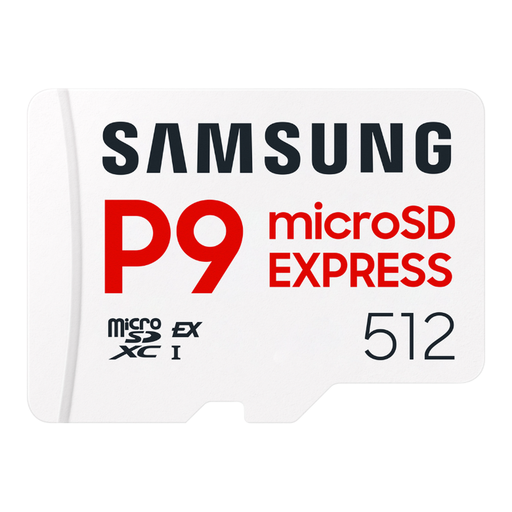
Samsung P9 Express 512GB microSD card
A microSD Express option to consider for Nintendo Switch 2 digital-library expansion; confirm compatibility with the exact console. The listed capacity is 512GB, and Nintendo requires an internet system update before a microSD Express card’s first use on Switch 2.
View on Joybuy
 No image available
Samsung MU-PE1T0S 1TB USB Type-C 3.2 Gen 2 SSD, Black
Consider this external SSD if you want USB space for a PS5 game archive rather than additional direct-play PS5 storage. Its listed capacity is 1TB and its connection is USB Type-C 3.2 Gen 2 (3.1 Gen 2). PlayStation says PS5 games must be copied back from USB extended storage before play; PS4 games can play from it.
View on Joybuy
 No image available
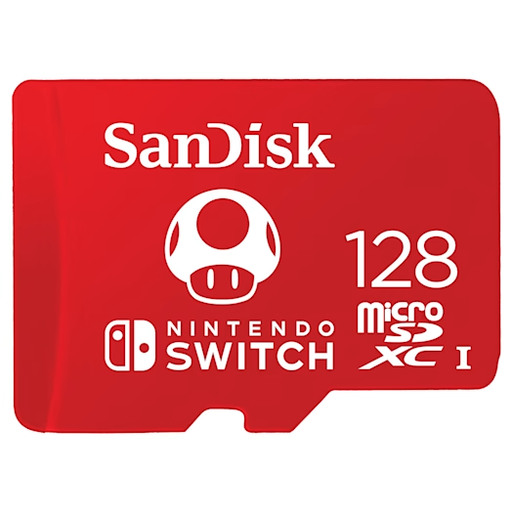
SanDisk 128GB microSDXC Card for Nintendo Switch
This 128GB microSDXC card is a choice for expanding downloads on Switch, Switch OLED or Switch Lite. Do not choose a standard microSDXC card for Switch 2 game expansion: Nintendo requires microSD Express. Nintendo also says game-save data remains in console system memory rather than on the card.
View on Joybuy
 No image available
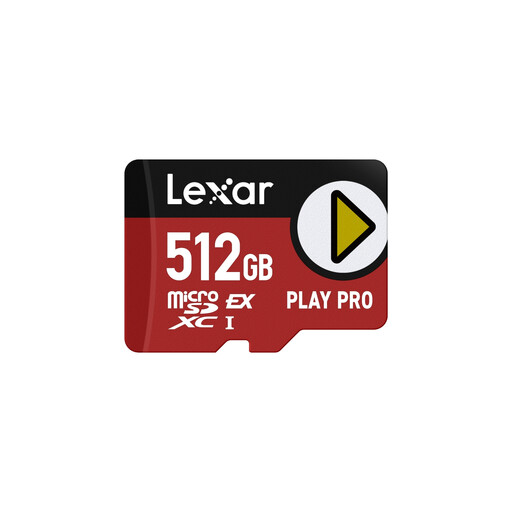
Lexar PLAY PRO 512GB microSDXC Express Card
The Express standard makes this 512GB card relevant when considering removable storage for Switch 2, but confirm the exact card’s Switch 2 compatibility before buying. Nintendo specifies microSD Express for Switch 2; the card format alone is not a reason to assume every stated device use applies to your console.
View on Joybuy
No image available
Lexar ES4 1TB Portable SSD with Magnetic Set
This external SSD is another USB-storage choice for a PS5 library when archiving games suits you better than launching PS5 games from the added drive. The listed variant has 1TB capacity and a USB Type-C connection. Check the cable needed for your setup; PS5 games on USB extended storage must be copied back before play.
View on Joybuy
Common questions
Can an external USB SSD play PS5 games directly?
No. PlayStation says PS5 games can be kept on USB extended storage but must be copied back to console storage before play. PS4 games can be installed and played directly from PS5 USB extended storage.
What should I check before buying a PS5 internal SSD?
Check the exact model against Sony’s supported PCIe Gen4x4 M.2 NVMe Key M interface, 250 GB–8 TB capacity range, permitted form factors, physical dimensions and heat-dissipation requirements. Sony recommends sequential reads of 5,500 MB/s or faster and says to update the console’s system software before installation.
Can a USB drive run games Optimised for Xbox Series X|S?
No. Xbox says those games must be installed on the console’s internal SSD or a Storage Expansion Card to play. USB storage can still hold game data for transfer.
Will my earlier Switch microSD card expand Switch 2 game storage?
A standard microSD card is not the Switch 2 game-storage expansion route: Nintendo requires microSD Express. Switch 2 also needs an internet system update before a microSD Express card’s first use.
Should I back up a drive or card before formatting it for a console?
Yes. PlayStation warns that formatting a USB drive for extended storage erases its existing data, and Nintendo gives the same warning for formatting a microSD or microSD Express card. Copy files you need elsewhere before starting.


