What should you check first?
Start with the device and the part being replaced; then check the cable, power supply and seller against the way you will use them.
| Priority | What to check | Your needs |
|---|
| Device compatibility |
Match both connector ends. Confirm whether the exact device accepts USB Power Delivery (USB PD) and compare its minimum or recommended wattage with the charger’s single-port output. |
I want the replacement to connect properly and supply the charging method and power my device requires. |
| Cable capability |
Compare the cable’s stated power and current rating with the adapter and device. Check data-transfer speed separately if the lead will also transfer files; Samsung specifies a 5A cable for maximum output in its relevant 45W/65W arrangements. |
When replacing a higher-power USB-C lead, I need a cable rated for the charging arrangement, not just one with the right-shaped ends. |
| Product traceability |
Check the product identification, seller, manufacturer or importer information and instructions. For a mains charger, check that it is supplied with a plug suitable for UK sockets; search official product-safety alerts for a known model. |
I want to identify who supplied the charger rather than rely on its logo or plug shape. In the Intellectual Property Office’s study of UK respondents aged 18 and over, conducted from June to September 2025, 17% said they had accidentally bought a counterfeit at some point; that figure covers goods generally, not chargers specifically. |
| Shared power |
Check the output of the intended USB-C or USB-A port, then read the two- and three-port allocation figures. Compare the power available in your usual combination with the laptop’s requirement. |
If I charge several devices from one socket, the laptop still needs sufficient power while the phone or tablet is connected. |
Relevant brand guidance
These manufacturers’ instructions help with model-specific checks; a brand reference here does not indicate that its products are included in the Joybuy cable selection below.
Apple
Check whether the particular iPhone, iPad or Mac uses Lightning, USB-C or another charging arrangement.
- Apple says USB-C iPhones can use a compliant USB-C adapter; an adapter rated at 20W or higher can provide faster charging.
- For a USB-C Mac, Apple recommends USB PD and at least the minimum wattage specified for that Mac model. The connector alone does not establish suitability.
Samsung
Galaxy charging speed depends on the particular device, adapter and cable combination.
- Samsung specifies USB PD 3.0 and Direct Charging support for Super Fast Charging 2.0 with its EP-T4511 adapter.
- Samsung specifies a 5A cable for maximum output in the relevant 45W/65W arrangements; its EP-DX510 cable’s power rating does not imply high-speed data transfer.
Microsoft
Surface owners should identify their exact model before selecting USB-C or Surface Connect charging equipment.
- Microsoft publishes minimum and recommended fast-charging wattages by Surface Pro model.
- The cited Microsoft table gives a 27W minimum for Surface Pro 12-inch and 60W for Surface Pro 9; neither value applies to every Surface.
Anker
The Anker Prime A2688 is a multi-port option to assess against a household’s particular devices.
- The Joybuy A2688 listing states two USB-C ports, one USB-A port and a 100W maximum with one or two ports in use.
- The same listing states an 89W maximum total with three ports in use. Check the port allocation and the laptop’s requirement before consolidating chargers.
Charging options in context
This composite list orders examples by replacement scenario: establish a device-specific charging route before considering a shared charger. It combines Apple, Samsung and Microsoft guidance with the Joybuy listing for Anker Prime A2688; its positions are not a performance ranking or a guarantee of compatibility.
| Rank | Product or route | Main specifications | Why consider it | Supplier or platform |
|---|
| 1 |
Apple 20W USB-C Power Adapter |
20W; USB-C adapter. |
For an appropriately cabled USB-C iPhone or compatible iPad. Apple says a compliant USB-C adapter rated at 20W or higher can provide faster charging for USB-C iPhones. It is not a laptop-power recommendation; a Lightning device needs the correct cable. |
Apple |
| 2 |
Samsung EP-T4511XBEGGB 45W Super Fast Charger 2.0 |
45W adapter; model EP-T4511XBEGGB. |
For a device confirmed to support the charging arrangement. Samsung says Super Fast Charging 2.0 requires USB PD 3.0 and Direct Charging support; other devices charge more slowly, and the relevant maximum-output setup needs a suitable 5A cable. |
Samsung UK |
| 3 |
Microsoft Surface power supply matched to the device model |
Connector and wattage vary by Surface model. |
For a Surface owner who needs to establish whether the model uses USB-C charging, Surface Connect or both. Microsoft’s Surface Pro guidance gives model-specific minimum and recommended wattages; this row is a matching route, not one universal power supply. |
Microsoft |
| 4 |
Anker Prime A2688 100W three-port GaN Charger |
Two USB-C ports and one USB-A port; listed maximum 100W with one or two ports in use, 89W total with three. |
For a household whose intended port allocation meets its laptop’s requirement alongside other devices. These are specifications from the Joybuy A2688 listing, not a promise of 100W to each connected device. |
Joybuy |
Replacement cables on Joybuy
These options are replacement leads for USB-C or Lightning connections, not wall adapters. Check your device, existing adapter and required cable rating before selecting one.
 No image available
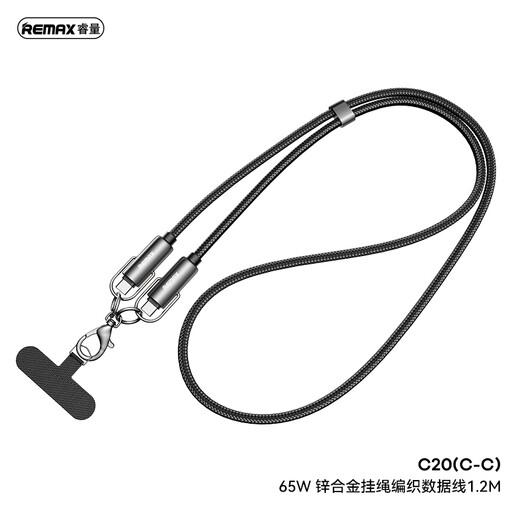
REMAX 65W USB-C to USB-C braided cable, 1.2m
For replacing a USB-C-to-USB-C lead. The title states 65W and a 1.2m length; check that the cable rating and connectors meet your device and adapter requirements.
 No image available
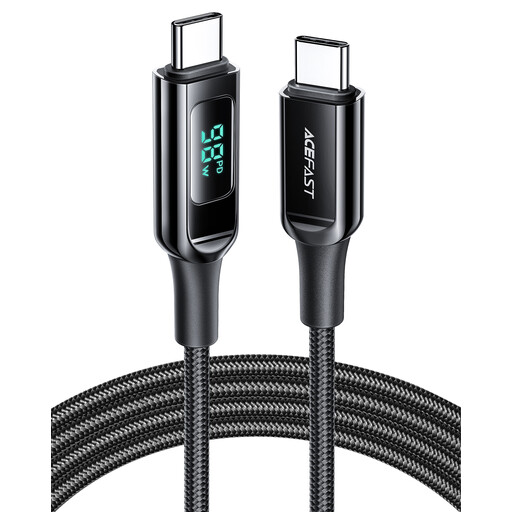
ACEFAST 100W USB-C to USB-C cable, 1.2m
For a USB-C-to-USB-C replacement where the stated 100W rating and 1.2m length suit the intended setup. Confirm the device’s charging requirements and the adapter’s output rather than choosing by cable rating alone.
 No image available
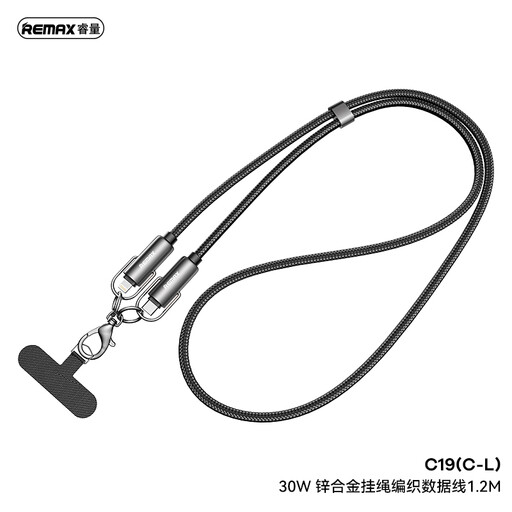
REMAX 30W USB-C to Lightning braided cable, 1.2m
For replacing a lead between a USB-C adapter and a Lightning device. The title states 30W and a 1.2m length; confirm that your exact device and adapter use this connector combination.
 No image available
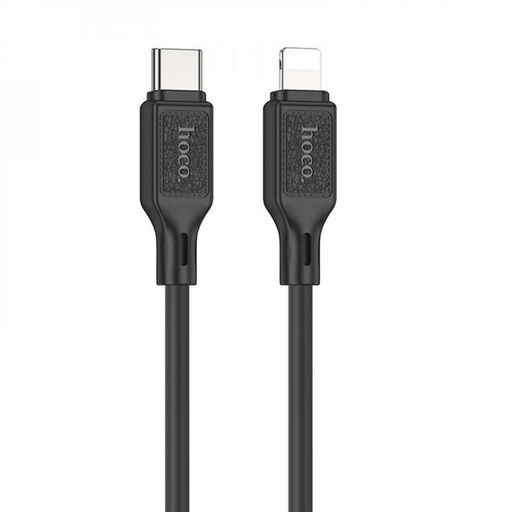
HOCO X90 20W USB-C to Lightning cable
For a Lightning device used with a compatible USB-C adapter. Check both connections and the device’s requirements; the 20W figure in the title is a cable rating, not a charging-speed guarantee.
 No image available
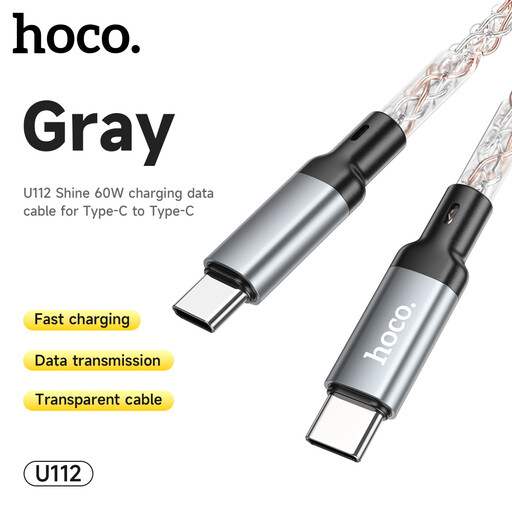
HOCO U112 60W USB-C to USB-C cable
For replacing a USB-C-to-USB-C lead where its stated 60W rating meets the intended setup. Check the exact device, adapter and required charging method before using it as a laptop charging cable.
Frequently asked questions
What should I identify before replacing a phone or tablet charger?
Identify the exact device model and whether the failed part is the lead, adapter or both. Check the device-side connector and both cable ends: Apple says USB-C iPhones can use a compliant USB-C adapter, while a Lightning device still needs an appropriate Lightning cable.
Why might a USB-C charger be inadequate for a laptop?
A fitting USB-C connector does not establish that the adapter meets the laptop’s power requirement. Apple recommends at least the minimum wattage specified for a USB-C Mac model, and Microsoft publishes different minimum and fast-charging wattages by Surface model; compare those figures with the charger’s output on the port you intend to use.
Does Samsung’s 45W charging require a particular cable?
For the relevant Samsung 45W/65W arrangements, Samsung specifies a 5A USB-C-to-USB-C cable for maximum output. The device must also support the required charging arrangement; a cable’s power rating says nothing by itself about its data speed.
Is a CE or UKCA mark enough to judge a charger listing?
No: also check device compatibility, product information and the seller’s traceability. Government guidance says Great Britain continues to recognise CE marking for many products, while different provisions apply in Northern Ireland; check that a mains charger is supplied for your location rather than treating either mark alone as a safety guarantee.
Should I try another charger if the device battery is swollen?
No. London Fire Brigade advises stopping charging immediately if a battery swells or expands. Switch off the device, do not tamper with the battery, and contact the manufacturer or a qualified technician instead of treating it as an ordinary accessory replacement.


