Independent live-TV navigator
You want spoken access to channel information, programme listings and television settings, rather than audio description of programmes alone. RNIB and Sony describe relevant TV accessibility features.


For live broadcasts, programme guides and television settings, start by checking whether the exact TV model speaks those parts of its own interface; a streaming device does not replace the TV’s broadcast controls. If catch-up apps are the priority, check accessibility in each app on the intended platform, and consider how you will activate speech during setup. A simplified remote can help with basic physical controls, but it is not a substitute for spoken menus or full app navigation.
You want spoken access to channel information, programme listings and television settings, rather than audio description of programmes alone. RNIB and Sony describe relevant TV accessibility features.
You want to navigate the particular streaming and catch-up apps you use, and need to check app accessibility separately from the device’s screen reader. Channel 4 documents differences between its tvOS and Fire TV apps.
You mainly need to locate and use everyday remote controls by touch, while deciding separately whether spoken menus are also important. Which? describes testing remote usability by touch, and Geemarc documents a simplified learning remote.
For consumers choosing accessible TV equipment, the key decision is whether they need spoken access to the television itself, app navigation, easier-to-find physical controls or more readable on-screen information.
| Concern | What to check when buying | Who this matters to |
|---|---|---|
| Spoken live-TV navigation | Check speech for the TV’s own guide, channels and settings on the exact model; find out how to activate it. | If I need to follow live channels and adjust settings without relying on visual menus, TV-level speech is central; around 36% of consumers in this buying scenario would put that need first. |
| Catch-up and streaming apps | Check screen-reader and audio-description support for each app, platform and programme you intend to use. | If I mainly watch catch-up, I need to know whether my chosen apps are navigable on the device; around 29% of consumers in this buying scenario would prioritise app access. |
| Remote controls by touch | Check the supplied remote’s buttons and, for a learning remote, which commands it can copy and how it is programmed. | If I need to find power, channel, volume or input controls by touch, clear physical buttons may matter most; around 21% of consumers in this buying scenario would prioritise basic remote control. |
| Readable on-screen information | Check where text enlargement, magnification and contrast settings work, including within the apps you use. | If I use remaining vision and want on-screen information to be easier to read, display adjustments are a priority; around 14% of consumers in this buying scenario would put readability first. |
Channel 4 reports VoiceOver support in its tvOS app and limited VoiceView support within its Fire TV app. App navigation and audio-description availability can differ by platform.
Check the specific app, platform and programmes you rely on before choosing a device.
You may need to use a different platform for a particular app’s spoken navigation or audio description.
An add-on streaming device does not provide spoken access to the television’s own broadcast guide, input selection or settings.
Try the TV’s own guide and settings separately before treating an add-on as a complete solution.
The Geemarc TV5 is a learning remote for basic commands, not a screen reader or full smart-TV navigation tool. Its manual requires the original remote to teach commands.
Check that it can learn the buttons you need, keep the original remote available and review the programming steps.
The documented features below relate to particular products or product lines; check the exact model, remote and app before choosing.
A TV route with accessibility shortcuts on documented Smart Remotes.
Selected Google TV models have TalkBack spoken navigation.
Apple TV 4K is an add-on option with VoiceOver and display adjustments.
Fire TV offers VoiceView, with a documented remote-button method for activation.
The TV5 is a learning remote for basic physical controls.
These Joybuy choices are televisions with Freely and Fire TV. Compare the model and screen specifications, then check spoken menu coverage and support for the specific apps you use on the exact TV.
 No image available
Consider this TV if you are comparing built-in television and streaming features; check its spoken menus separately for your access needs.
50-inch LED screen; 4K Ultra HD; HDR10; Dolby Audio; Alexa Voice Remote. Energy rating E.
Streaming requires internet; some apps may require subscriptions, and Freely channel and app availability may change.
 No image available
Consider this model if its 43-inch screen size suits your setup; confirm spoken navigation and app access independently.
43-inch QLED screen; 4K Ultra HD; HDR10+; Dolby Audio; Alexa Voice Remote. Energy rating E.
Streaming requires internet; some apps may require subscriptions, and Freely channel and app availability may change.
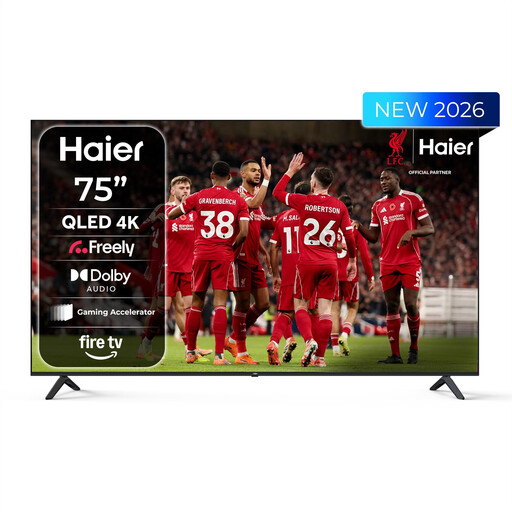 No image available
Consider this model if you are comparing a 75-inch screen; check the TV’s spoken menus and the accessibility of your chosen apps.
75-inch QLED screen; 4K Ultra HD; HDR10+; Dolby Audio; Alexa Voice Remote. Energy rating E.
Streaming requires internet; some apps may require subscriptions, and Freely channel and app availability may change.
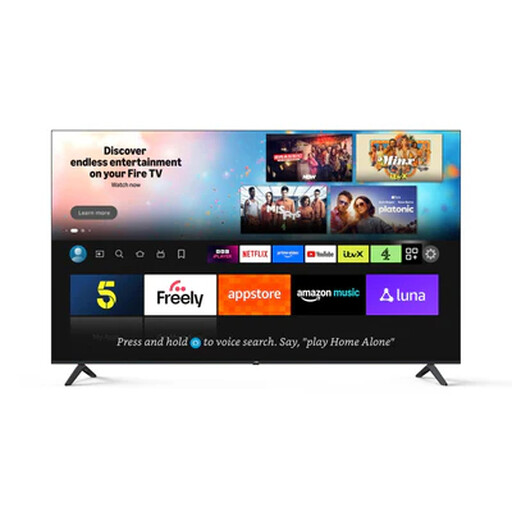 No image available
Consider this model if a 65-inch screen matches your viewing setup; verify spoken menu coverage and app compatibility for the exact TV.
65-inch QLED screen; 4K Ultra HD; HDR10+; Dolby Audio; Alexa Voice Remote. Energy rating E.
Streaming requires internet; some apps may require subscriptions, and Freely channel and app availability may change.
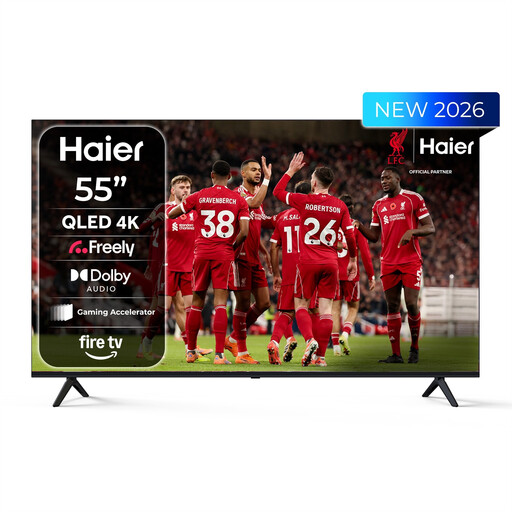 No image available
Consider this model if you are comparing a 55-inch screen; confirm that its own menus and your preferred apps meet your access needs.
55-inch QLED screen; 4K Ultra HD; HDR10+; Dolby Audio; Alexa Voice Remote. Energy rating E.
Streaming requires internet; some apps may require subscriptions, and Freely channel and app availability may change.
Check those functions separately on the exact TV and apps. RNIB describes voice guidance for TV channels and guides, while Channel 4 reports different screen-reader support in its tvOS and Fire TV apps. A streaming device does not make the TV’s own broadcast guide speak.
Setup depends on the device and the steps needed before speech is active. RNIB warns that initial smart-TV activation may require sighted assistance. Sony documents TalkBack from the initial setup screen for specified 2025-or-later models and languages, and Amazon documents a Fire TV remote-button method after pairing. Apple documents a three-press VoiceOver shortcut, although its setup instructions also require selecting the TV’s HDMI input and following on-screen steps.
Do not assume it can. Geemarc’s TV5 learns basic commands from an existing remote, but it is not a full app-navigation or settings remote. Geemarc specifies two AAA batteries, which are not included.
The device itself does not determine whether you need a licence. TV Licensing says a licence is needed to watch live TV on any channel or streaming service, and for any BBC iPlayer viewing. It says a licence is not needed solely for on-demand services such as Netflix or ITVX.
TV Licensing says people certified blind (severely sight impaired) who provide appropriate evidence can apply for a 50% concession. Being partially sighted (sight impaired) alone does not qualify.