Live-channel viewer
A household arranging straightforward power, channel-number and volume controls for someone who mostly watches scheduled television.


Choose the viewing source and everyday controls before settling on a TV: direct channel buttons may suit someone who mainly watches live television, while catch-up viewing needs an interface and sign-in steps they can manage. Test the remote and on-screen text from the intended viewing position, and check the room’s aerial or broadband connection. A receiver or replacement remote may help with a suitable existing TV, but can add input changes or setup tasks.
A household arranging straightforward power, channel-number and volume controls for someone who mostly watches scheduled television.
A household that needs on-demand programmes but wants a familiar starting screen and manageable steps for finding programmes.
A household where viewing distance, readable on-screen choices, remote reach and placement all affect whether the setup is usable.
Ofcom’s small usability study found barriers to accessing current smart-TV features. Test guides, apps and sign-in steps with the viewer rather than assuming a smart interface will be straightforward.
When it fits: The viewer mainly watches live channels, the room has a working aerial, and the controls are manageable from bed.
Trade-off: A compact screen may be harder to read at a distance, and a non-smart TV does not provide an on-demand home screen.
When it fits: Catch-up apps matter and someone can set up and test the preferred start screen, apps and remote with the viewer.
Trade-off: Apps, guides and sign-ins can add navigation steps; LG’s documented startup choices depend on the model’s release year and webOS version.
When it fits: An existing screen works, but a receiver is needed for a particular guide or catch-up service.
Trade-off: The receiver adds a connection and input to manage; Manhattan says its T4 remote can learn TV power, input and volume commands after setup.
When it fits: The existing TV and viewing source work, and the remote is the main difficulty.
Trade-off: Programming is another task, and a replacement remote does not simplify the TV’s menus.
| Concern | What to check when buying | Who this matters to |
|---|---|---|
| Everyday remote controls | Try power, volume and channel changes from the viewing position; check which buttons are needed for the usual routine. | I want the viewer to move between familiar channels without needing someone to find another handset; around 33% of consumers prioritise manageable remote operation. |
| Finding programmes and switching sources | Check the usual starting screen, input and route back to live TV or the preferred app. | If getting stuck in a guide, app or HDMI input is the main worry, a predictable path matters; around 27% of consumers prioritise finding programmes and switching sources. |
| Readable screen and menus | Check programme-guide text and subtitles from the actual chair or bed, at the intended viewing distance. | I need the viewer to read programme choices without moving closer; around 20% of consumers put screen and menu readability first. |
| Placement and connections | Check the room position, aerial or Wi-Fi needs, available sockets and cable routing. | When the TV needs to fit a particular bedside position or connection point, the room layout can determine the workable setup; around 20% of consumers prioritise placement and connections. |
Terrestrial Freeview through a TV guide needs an aerial, according to Freeview. Its guidance also distinguishes live terrestrial viewing from Freeview Play catch-up, which needs an internet connection. Check the actual programmes and delivery route the household intends to use.
A screen’s stated diagonal does not show whether guide text will be legible from the intended distance.
Check programme-guide text and subtitles from the bed or chair before settling on a size.
If the text does not work from that position, the TV may need repositioning or a different screen choice.
A receiver can add a viewing service, but it also introduces an input and another control task.
Test power-on, volume, the correct input and recovery after selecting the wrong input. If useful, check whether a compatible receiver remote can learn the TV’s commands.
Allow for an extra device, connection and setup time.
Terrestrial Freeview through the TV guide needs an aerial; internet-delivered viewing is a different route.
Identify the programmes and delivery method first, then check the room’s aerial or broadband connection.
Depending on the chosen route, an aerial or a compatible internet-viewing device may be needed.
Large or learned buttons address physical controls, but do not remove navigation steps in on-screen guides, apps or sign-in screens. Ofcom’s small usability study found barriers to current smart-TV functionality.
Have the viewer try their complete usual viewing sequence, not just power and volume.
Learning commands takes setup time, and a different viewing route may be needed if menus remain difficult to navigate.
A UK-market non-smart TV option to consider when the household wants live terrestrial channels without a smart home screen.
A compact smart-TV option to compare when the household wants a small screen with a built-in terrestrial tuner.
A smart-TV route to examine when the choice of starting screen matters.
A 32-inch smart-TV option to compare when a somewhat larger compact screen is under consideration.
A separate Freeview Play receiver option for a suitable TV when its built-in viewing options do not meet the household’s needs.
A simplified or universal remote option to examine when the existing TV works and remote controls are the main obstacle.
These Joybuy choices are 32- and 40-inch smart TVs, including models whose names identify Freely or Freeview features. Compare the intended viewing source and screen size, then test the exact remote and menus with the viewer.
 No image available
Consider this if a 40-inch screen and built-in Freely viewing suit the room and preferred programmes; check that the screen and controls work for the viewer at the intended position.
Product name identifies a QLED FHD smart TV with Freely and TiVo.
 No image available
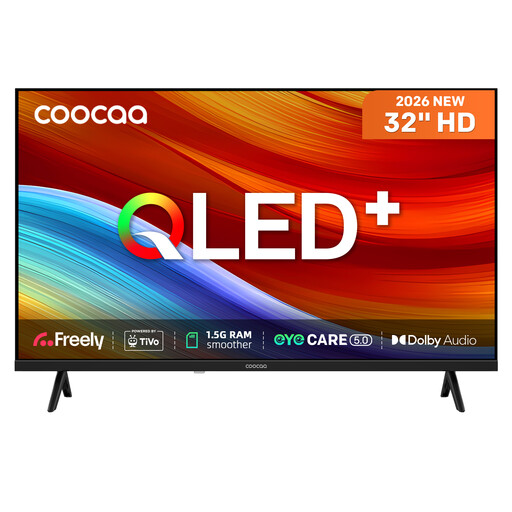
Consider this if a 32-inch smart TV with built-in Freely fits the room; try its actual programme-finding and remote-control steps with the viewer.
Product name identifies a QLED HD smart TV with Freely and TiVo.
 No image available
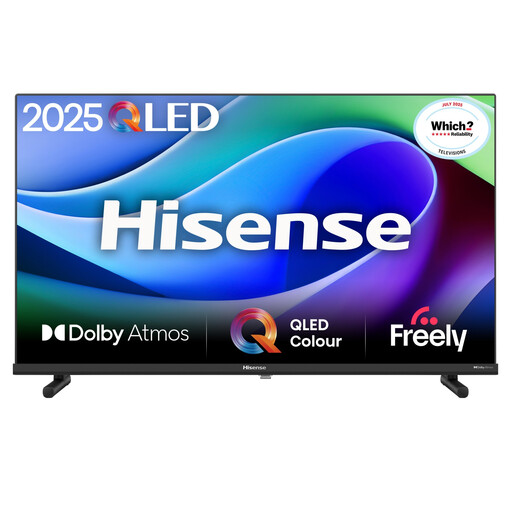
Consider this if a 32-inch smart TV is the right size for the room; check that the exact model provides the apps and controls the viewer needs.
Product name identifies a 32-inch Direct LED Full HD smart TV with VIDAA.
 No image available
Consider this if a 32-inch smart TV with Freely suits the household’s viewing route; check the screen and exact menu workflow from the intended viewing position.
Product name identifies an HD Ready smart TV with VIDAA and Freely.
 No image available
Consider this if a 32-inch smart TV with Freeview HD suits the household; confirm the preferred start screen and test the menus on this exact model.
Product name identifies an HD Ready smart TV with webOS and Freeview HD.
Live terrestrial Freeview through the TV guide needs a working aerial, according to Freeview. Freeview Play catch-up and on-demand features need an internet connection; terrestrial live channels alone do not. Check reception in the room where the TV will be used.
Do not assume a Freeview tuner receives terrestrial channels over Wi-Fi. Freely describes internet-delivered live and on-demand viewing without an aerial on a compatible TV or streaming device; its separate streamer needs an HDMI-equipped TV and Wi-Fi. Check that the wanted channels and controls suit the viewer.
Sometimes, if the devices and commands are compatible and setup succeeds. Manhattan documents teaching its T4 remote TV power, input and volume functions, while One For All specifies learned commands for the URC 6820. Test the household’s devices, including recovery from the wrong input, before putting the original remotes away.
TV Licensing says watching or recording live TV on a TV or streaming service, or watching or downloading BBC iPlayer programmes, requires TV Licence coverage. It says on-demand programmes on other services do not require one if no live TV or BBC iPlayer is used. Check the household’s actual viewing and coverage separately.
Set the preferred starting screen or input where the exact TV supports it, demonstrate how to return to the usual viewing route, and keep the original remotes available during setup. Electrical Safety First advises checking plugs and cables for damage; stop using damaged equipment.