What to check before buying
Check the monitor’s video input, then trace how sound will reach your chosen listening device and where you will control its volume.
| Concern |
What to check |
Who this matters to |
| No suitable monitor audio output |
Confirm the video input and any audio output; for an extractor, check its connections and HDMI compatibility. |
If my monitor cannot feed speakers, I need a separate sound path before I can use it for streaming. Around 36% of consumers put that sound-path problem first. |
| Wireless listening |
Check Bluetooth audio support on the exact streamer and whether it permits the intended listening arrangement. |
When I want headphones or a speaker without relying on the monitor’s sockets, pairing directly with the streamer is my priority. For around 29% of consumers, wireless listening comes first. |
| Wired desk speakers |
Confirm that HDMI audio reaches the monitor’s headphone or line output and that it matches the speaker input. |
I would rather keep powered speakers at my desk than use a device that needs charging. That straightforward wired arrangement is the main concern for around 21% of consumers. |
| Volume and soundbar control |
Check the exact display and soundbar ports, and how the streamer or other remote would control volume. |
If I want to adjust sound from the sofa or connect a soundbar, the controls matter as much as the picture. Around 14% of consumers prioritise that TV-style arrangement. |
Monitors for occasional streaming
These HDMI-equipped monitors are display options for an occasional streaming-stick setup. Compare their stated speaker and connection features, then confirm how each handles sound and volume from an HDMI-connected device; the Bluetooth, extractor and television routes discussed above remain separate choices.
 No image available
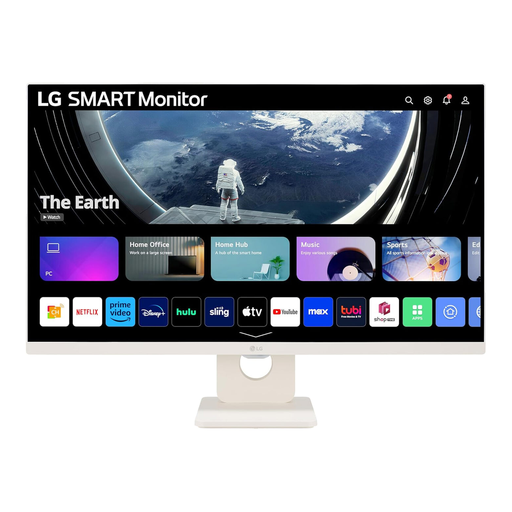
LG Smart Monitor 27U511SA-W, 27-inch Full HD
Consider this monitor if you want a display with built-in speakers and the webOS apps named in its title. It lists Bluetooth connectivity and a remote; confirm whether sound from your HDMI-connected stick reaches the speakers or another audio device, and how its volume is controlled.
27-inch IPS display; Full HD 1080p; 100Hz.
Joybuy
 No image available
AOC Q32V4, 31.5-inch 2K IPS monitor
This is an option if you want a desk display with built-in speakers. Before relying on them for a streaming stick, confirm that audio from the monitor’s HDMI input reaches them and check how volume is adjusted.
31.5-inch IPS display; 2K resolution; built-in speakers.
Joybuy
 No image available
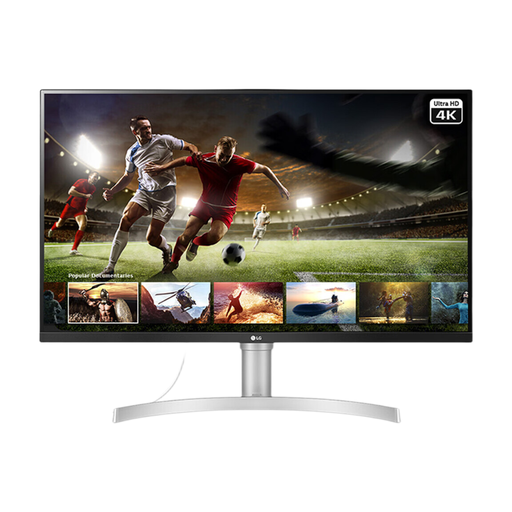
LG UHD Monitor 32UN650K, 32-inch 4K IPS
Consider this monitor if you want a 4K desk display with built-in speakers. Confirm that sound from an HDMI-connected stick reaches the intended listening device and that the available volume controls suit you.
32-inch IPS display; 4K resolution; 60Hz; built-in speakers; HDMI and DisplayPort.
Joybuy
 No image available
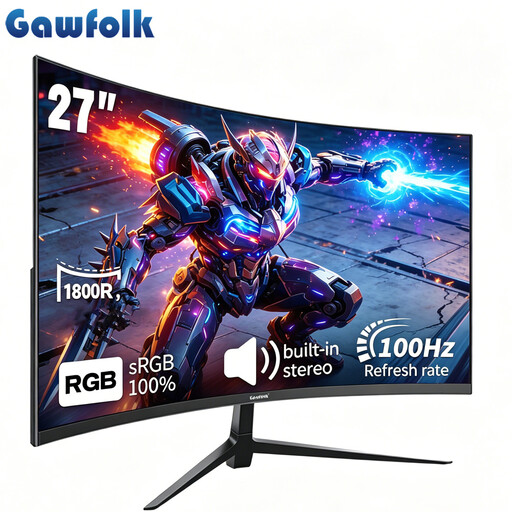
Gawfolk 27-inch curved Full HD monitor, 1800R
This HDMI-equipped monitor lists built-in speakers for a desk setup. If you plan to use them with a streaming stick, check how volume is adjusted before choosing it.
27-inch VA display; Full HD 1080p; 100Hz; 1800R curvature; built-in speakers; HDMI and VGA.
Joybuy
 No image available
Gawfolk 24.5-inch curved Full HD monitor, 3000R
Consider this smaller curved monitor if you want HDMI connectivity and built-in speakers at a desk. Confirm how you would adjust volume when using an external streaming stick.
24.5-inch Full HD display; 100Hz; 3000R curvature; built-in speakers; HDMI.
Joybuy
Frequently asked questions
What should I check on my monitor before buying a streaming stick or speakers?
Check that the monitor has a compatible video input, then identify its speakers and audio outputs. Its manual should tell you whether sound from an HDMI source reaches a headphone, line or other output; do not assume an ordinary HDMI input provides ARC or eARC for a soundbar.
Can Bluetooth headphones work if my monitor has no speakers?
Yes, if the exact streaming device supports Bluetooth audio output to those headphones. Google Streaming Help confirms headphone and speaker pairing for Chromecast with Google TV and Google TV Streamer, with one audio device connected at a time; check pairing, range, charging and audio timing for your intended devices.
Can an HDMI audio extractor keep 4K video working?
It can if its stated video pass-through and copy-protection capabilities match the whole setup. StarTech.com says HDCP 2.2-protected content requires HDCP 2.2 support throughout the signal path, including adapters; also check the extractor’s stated HDR, refresh-rate and audio-output support against your equipment.
Can I connect a soundbar directly to a computer monitor?
Only when the monitor and soundbar share a compatible audio route, such as explicitly supported ARC or eARC, or a suitable audio output and input. If the monitor provides only an HDMI input with no usable audio output, check a compatible HDMI audio extractor or audio paired directly with the streamer instead.


