Buying priorities
Start with the games you need to launch directly, then check capacity, physical fit and the storage standard required by your platform.
| Priority |
What to check |
Your needs |
| Usable capacity |
List the games, updates, DLC and recordings you expect to keep together. Allow for system-reserved space rather than relying on the console’s advertised capacity alone. |
I want to avoid deleting and re-downloading games whenever an update arrives, while keeping space for captures where relevant. EE notes that modern AAA installs can range from 50 GB to more than 200 GB. |
| Direct-play compatibility |
For PS5, compare an M.2 NVMe expansion drive with USB extended storage. For Xbox Series X|S, distinguish the Storage Expansion Card from USB storage. For Switch 2, choose microSD Express. |
I want my regularly played current-generation games ready to launch, not stored on a drive that requires a transfer back to the console first. |
| Fit and installation |
Check the exact interface, dimensions, cooling requirements and available slot. For a PC, consult the motherboard or laptop documentation for M.2 length, PCIe support and clearance. |
I need a drive that physically fits and works with my device, rather than a fast-looking model that needs a different slot, cooling arrangement or card standard. |
Joybuy product options
These Joybuy options cover Nintendo Switch 2 microSD Express expansion, original Nintendo Switch microSD storage and a portable SSD route for PS5 archiving or PC storage.
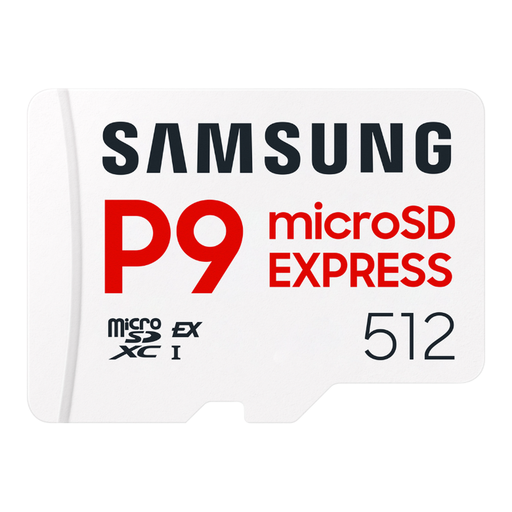 Image unavailable
Samsung MicroSD 512GB P9 Express
A 512 GB microSD Express option for a growing Nintendo Switch 2 digital library.
The card is stated as PCIe/NVMe-based microSD Express with up to 800 MB/s read speed and Dynamic Thermal Guard. Switch 2 requires a system update when using microSD Express for the first time, and game save data remains in system memory.
Joybuy
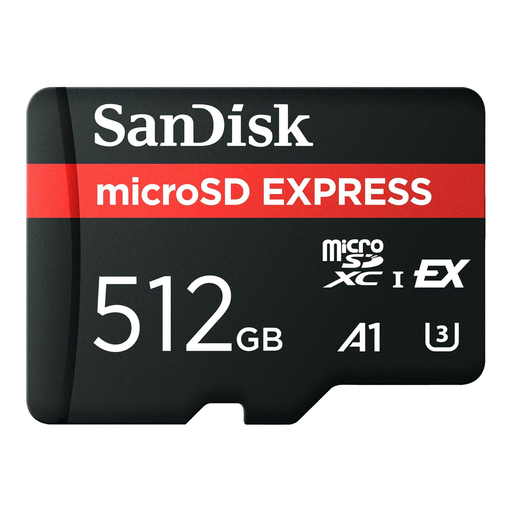 Image unavailable
SanDisk Express microSD Card 512GB
This 512 GB microSD Express card is intended for Switch 2 owners who need room for downloads, updates and DLC.
It is stated to use a PCIe Gen 3/NVMe interface with ThermAdapt heat management. In legacy devices, it operates in UHS-I mode rather than at Switch 2 microSD Express performance; game save data stays in the console’s system memory.
Joybuy
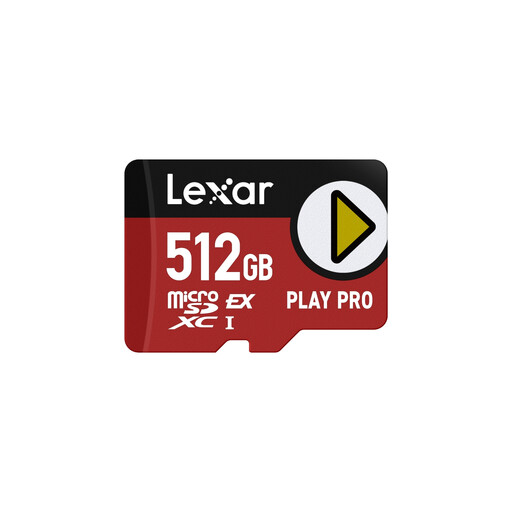 Image unavailable
Lexar PLAY PRO MicroSDXC Express Card 512GB
A 512 GB microSD Express choice for Switch 2 or another compatible handheld with a microSD Express host.
The card states up to 900 MB/s read and 600 MB/s write speeds, plus an A2 rating. Those maximum figures require a microSD Express host; in UHS-I or UHS-II devices, it is stated to run at UHS-I speeds.
Joybuy
 Image unavailable
SANDISK Extreme 2TB Portable SSD for PS5 and PC
A portable 2 TB option for archiving less-played PS5 games or carrying a PC game library.
It is stated to use USB 3.2 Gen 2 with up to 1,000 MB/s read speed and includes USB-C-to-C and USB-C-to-A cables. PS5 games cannot be played directly from USB extended storage, so they must be copied back to console storage or a compatible M.2 SSD before play.
Joybuy
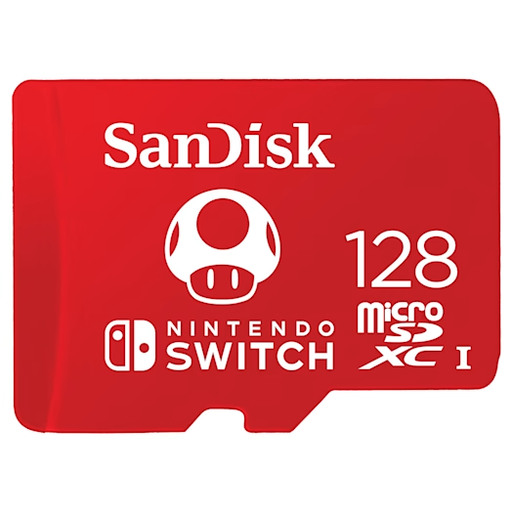 Image unavailable
SanDisk microSDXC Card for Nintendo Switch 128GB
A 128 GB removable-storage option for an original Nintendo Switch, Switch OLED or Switch Lite digital library.
The card is stated as microSDXC with up to 100 MB/s read and 90 MB/s write speeds. It is not the route for Switch 2 downloadable game storage, which requires microSD Express, and Nintendo game saves remain in console system memory.
Joybuy
Frequently asked questions
Can I play PS5 games directly from an external SSD or hard drive?
No. PlayStation states that PS5 games can be stored on USB extended storage but cannot be played directly from it; copy them back to PS5 console storage or compatible M.2 SSD storage before playing. PS4 games can be installed and played directly from PS5 USB extended storage.
What should a PS5 M.2 SSD meet before I buy it?
PlayStation specifies a supported PCIe Gen4 x4 M.2 NVMe SSD with 250 GB to 8 TB capacity, supported dimensions and effective heat dissipation. PlayStation recommends sequential read speed of 5,500 MB/s or faster, but you should still check the exact drive specification and cooling arrangement.
Can a standard USB external SSD run Optimised Xbox Series X|S games?
Do not assume so. Xbox Support states that Xbox Series X|S games must be installed on internal storage or a Storage Expansion Card to play, while a USB 3.0-or-later drive can store and transfer Optimised games. Check the individual game’s optimisation status before deciding where it can remain installed.
Can I reuse an original Switch microSD card in Switch 2 for downloaded games?
No. Nintendo UK Support states that Switch 2 uses microSD Express for game data, so a standard microSD card from an original Switch cannot save or load downloaded Switch 2 games. Choose a microSD Express card for Switch 2 and standard microSD for the original Switch family.
What should I check before upgrading PC game storage?
Check the exact motherboard or laptop specifications first. Confirm the available slot, M.2 length, supported PCIe generation, cooling clearance and whether adding the drive affects other ports; SSD manufacturers also note that stated performance can vary with firmware, hardware and configuration.


